
PC On-Course Replay
Retrieve the recorded round and replay the evidence at home.
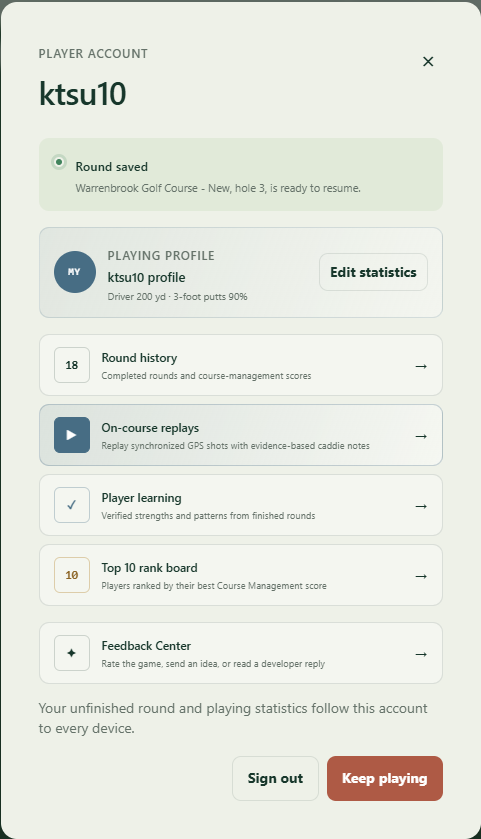
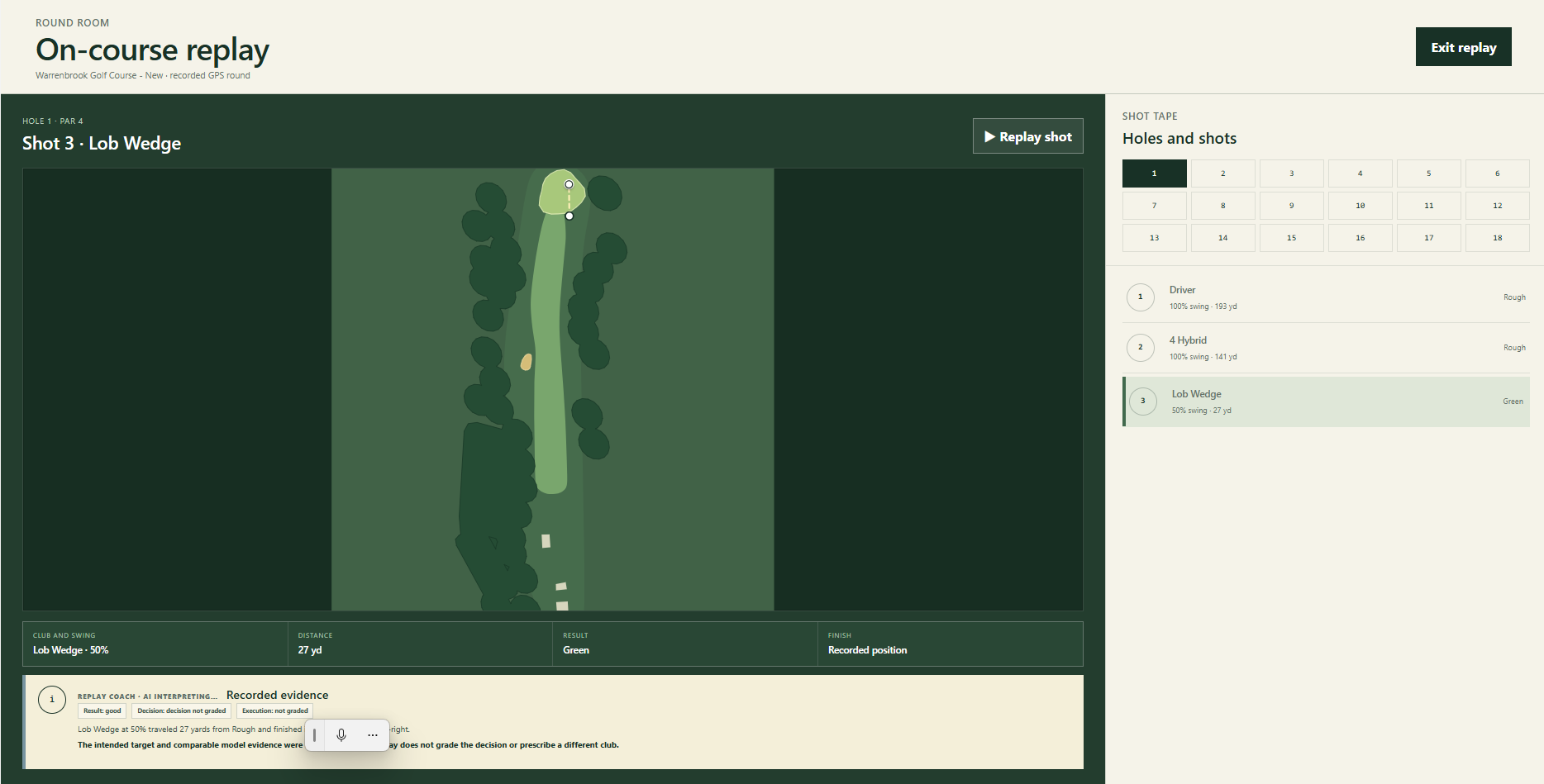
After a player records an on-course GPS round, Jetta can bring that round back onto the larger screen so the player and coach can review shots, choices, outcomes, and replay moments with more context.
01 Retrieve
Bring back the round.
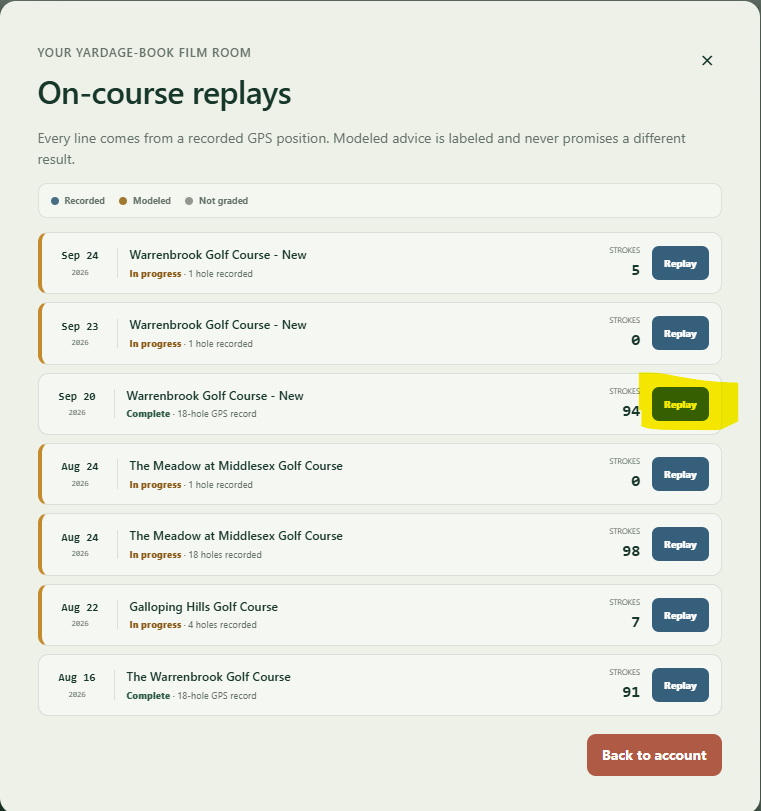
After upload, open Player account → On-course replays and select your completed round.
02 Replay
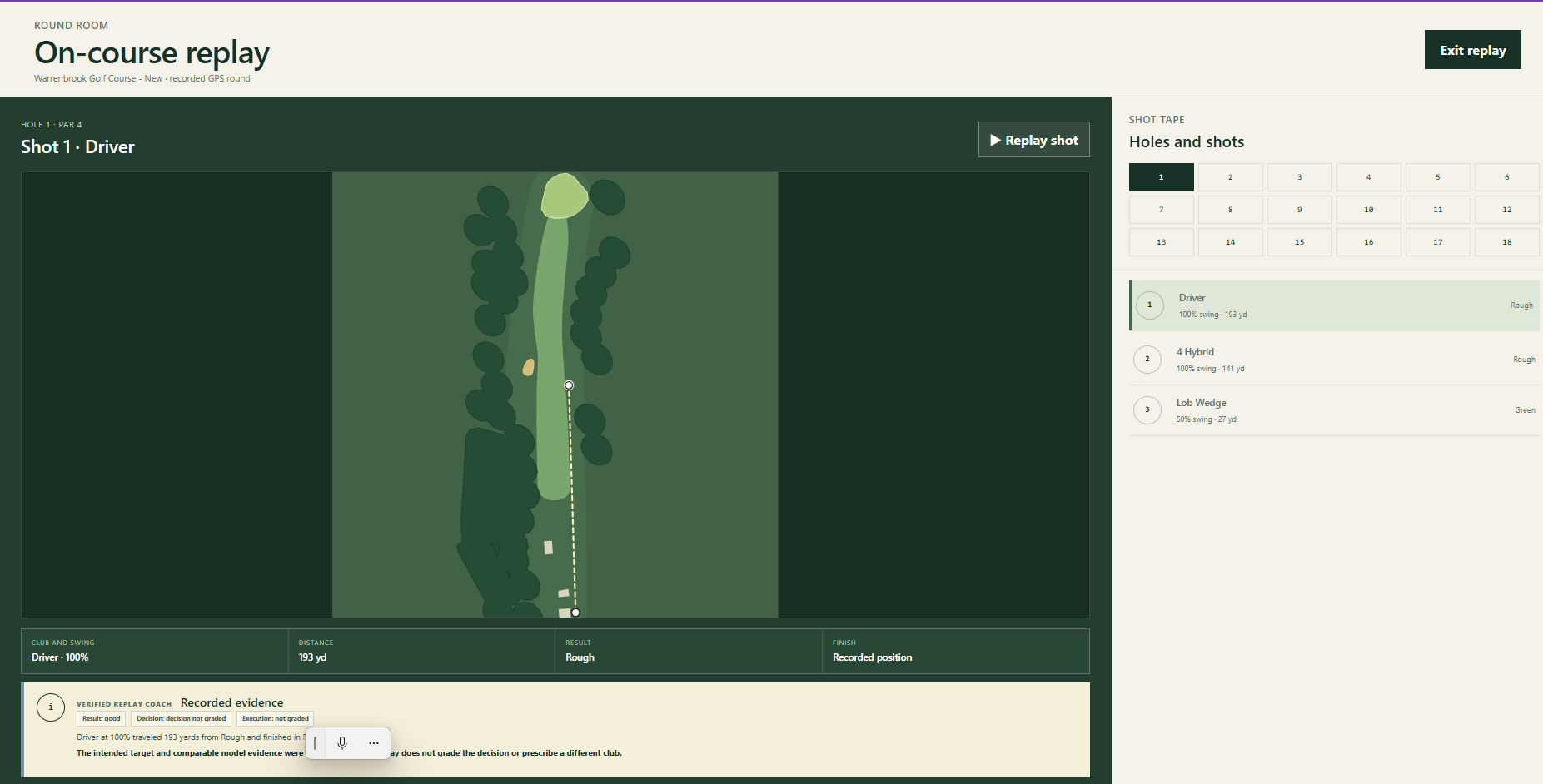
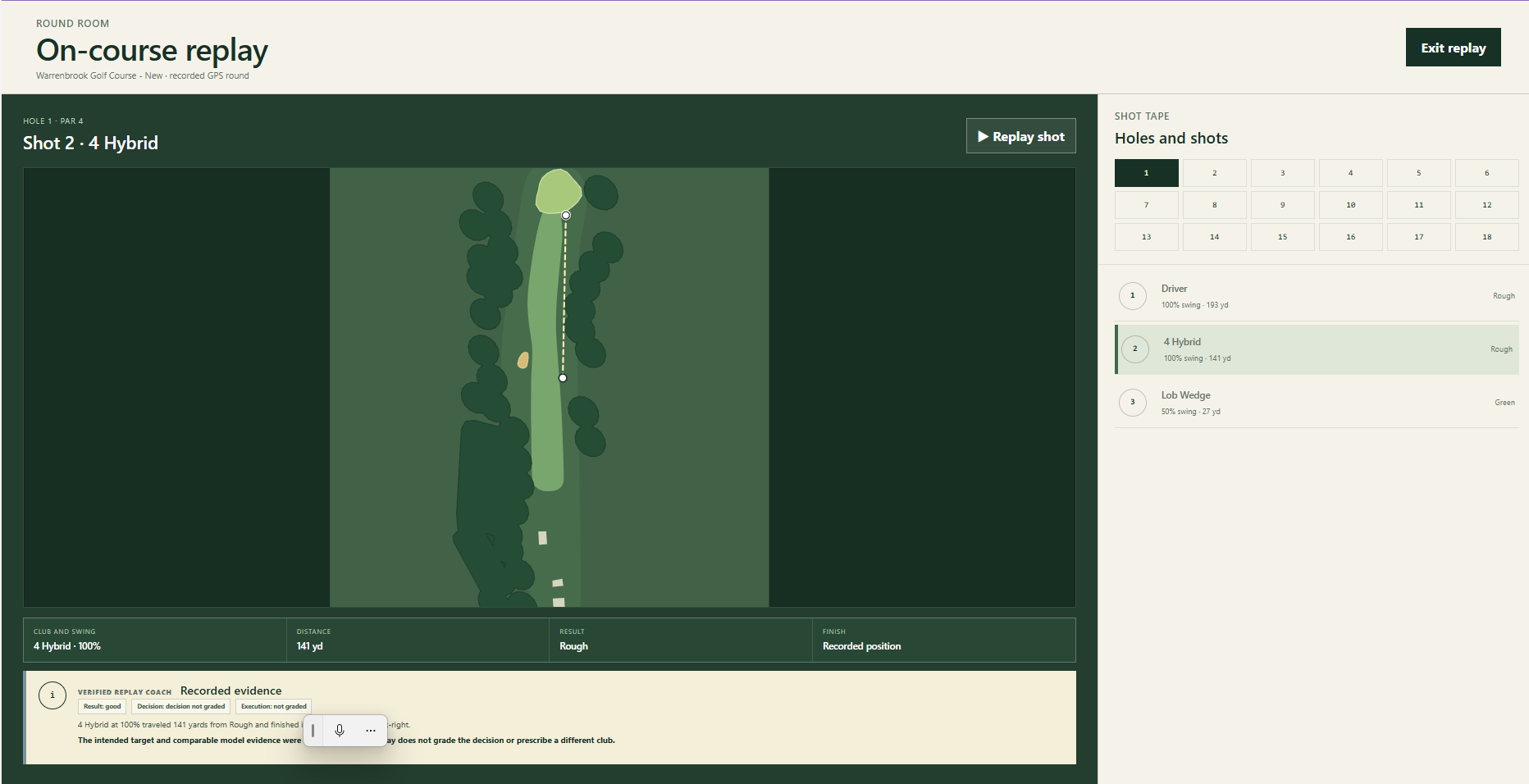
Watch the shot sequence.
Step through shots to compare the recorded result, saved decision ranking, and finish left or right, short or long of the selected target.
03 Review
Turn it into evidence.
Bring specific shots and their planning context to your next coaching conversation.
Your original plan stays with the replay.
When you select a GPS caddie plan, Jetta saves its target, club, alternatives, and the comparison shown at that moment. Selecting the plan records intent; you still play the real shot yourself.
Older shots without a saved target say Target not recorded. Historical replay uses the comparison saved during the round rather than silently substituting a newer assessment. GPS endpoints show where the shot finished; they do not diagnose swing mechanics.
Connect replay to reports and practice
PC Replay helps golfers revisit choices from GPS On-Course Mode. The next step is to summarize the pattern with Learning Reports or repeat the decision in Golf Academy.